


















I NEED
BOM & Routing Configuration
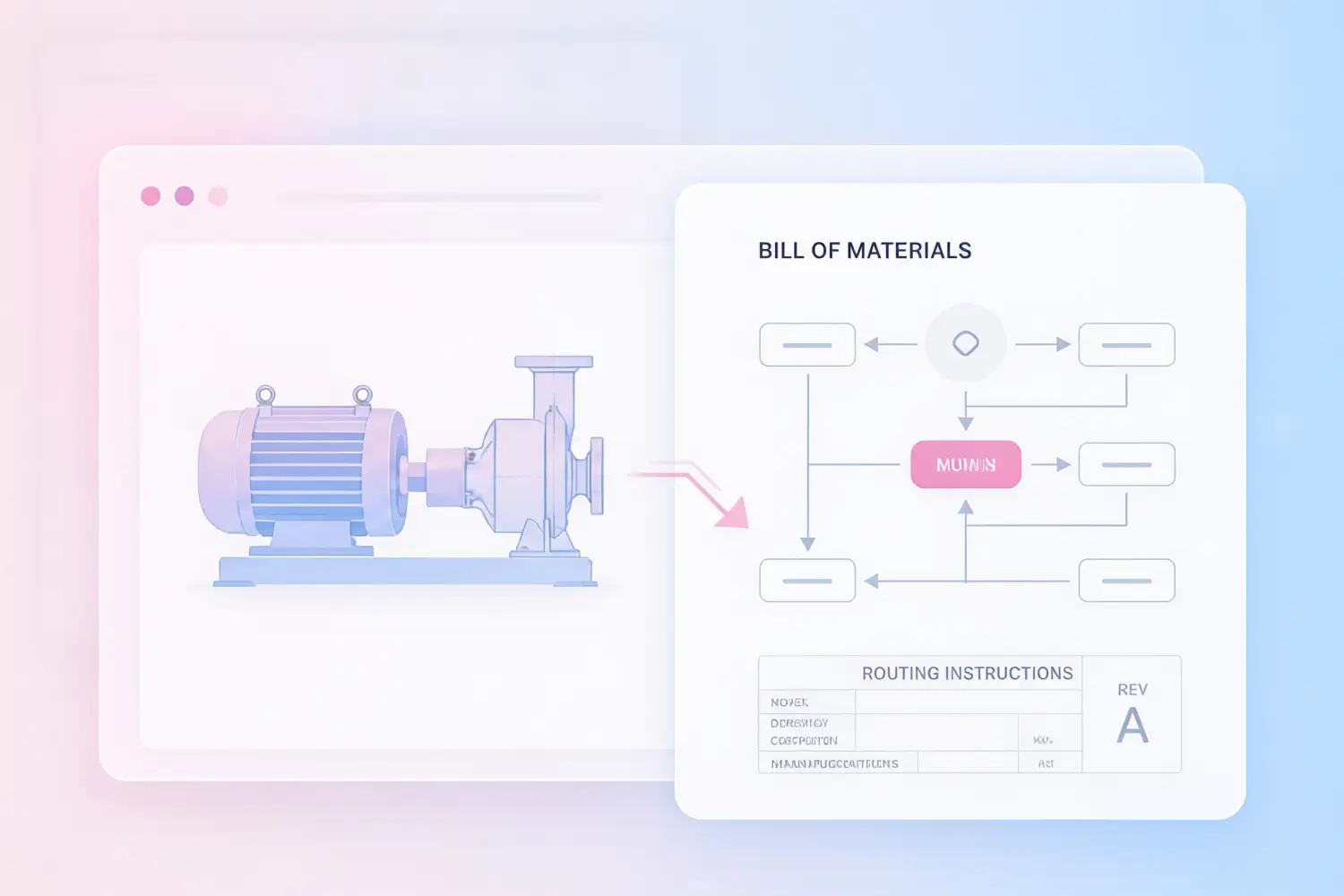
An order is only as good as what it produces on the manufacturing floor. With CPQ, every configured product simultaneously builds an accurate Bill of Materials and routing instructions, closing the gap between what was sold and what gets built.

Why BOM and Routing Configuration Matters
Every configurable product has a corresponding set of components and manufacturing instructions. When that information has to be manually translated from a quote into a BOM and routing, engineering carries a disproportionate workload along with a high probability for errors.
The Impact
THE PROBLEM
Manual BOM Generation Is a Hidden Cost in Every Quote
When a sales rep configures a product in CPQ and closes the deal, someone still has to take that configuration and build a BOM. That someone is usually an engineer. They re-enter data, interpret notes, cross-reference drawings, and build the BOM manually. Every manual step is a chance for error, and every error is a chance for rework. In high-volume environments or with complex configurable products, this bottleneck compounds quickly and at a high cost to the business.
Who We Help

THE SOLUTION
Manufacturing CPQ Generates BOMs and Routing Automatically
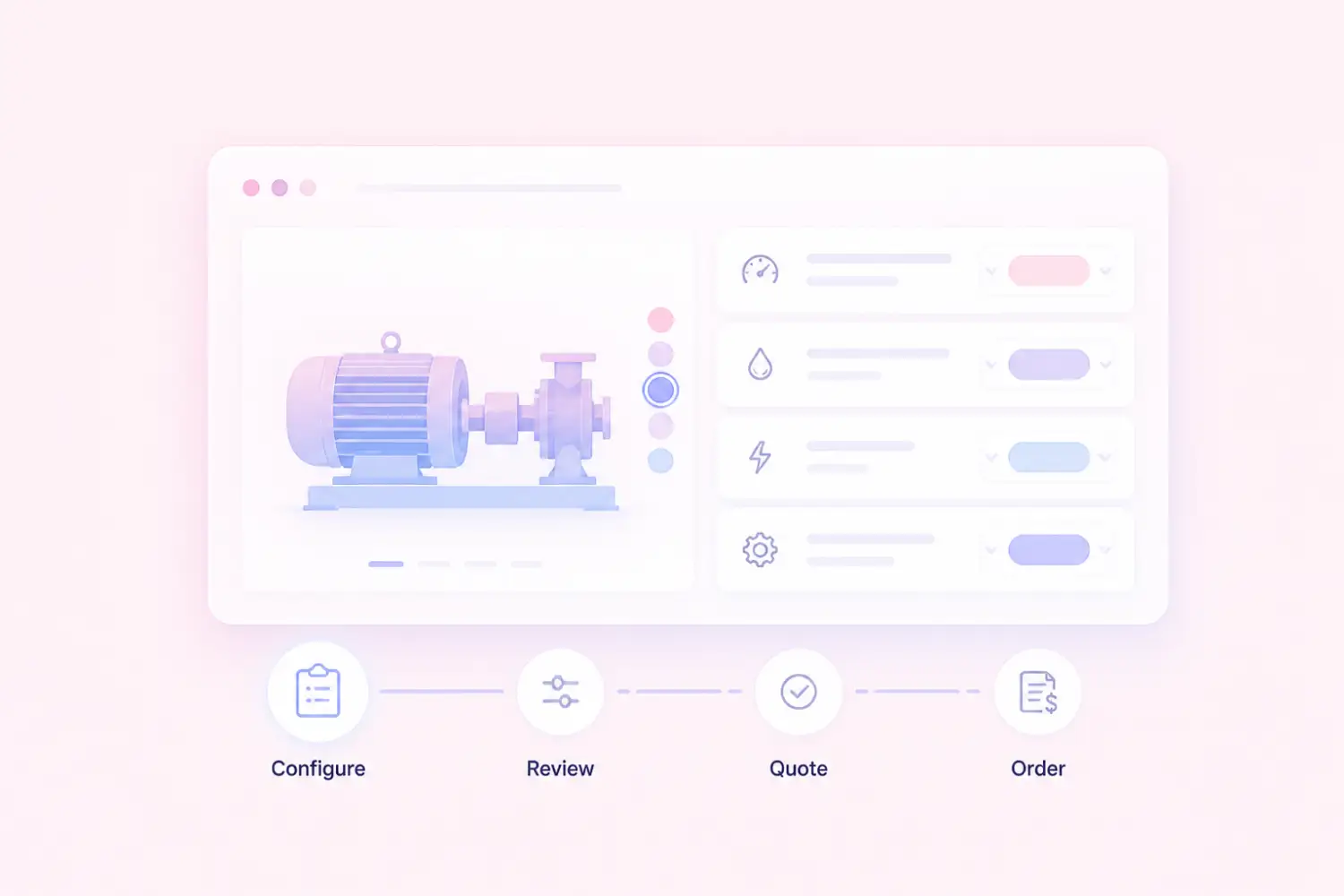
When properly configured, the product rules that drive the quoting experience also drive the production output. As the sales rep or customer selects product options, the system builds the corresponding BOM and routing instructions in the background. When the order is placed, that data flows directly into your ERP, ready for production planning without an engineering translation step in between. RenaissanceTech specializes in setting up this connection accurately, so the rules that govern what can be quoted also govern what gets built.
Who We Help
How CPQ-Driven BOM and Routing Configuration Works
The connection between CPQ configuration and production output is built during implementation. Once live, it runs automatically for every configured order.

Configuration Rules Are Mapped to Production Data
During implementation, RenaissanceTech works with your engineering and operations teams to map product configuration options to their corresponding BOM components and routing steps. Each valid configuration combination produces a defined production output.

BOM and Routing Are Generated at Configuration
When a product is configured in CPQ, the system builds the corresponding BOM and routing instructions automatically based on the rules established during setup. No manual translation, no engineering re-entry.

Production Data Flows Directly into Your ERP
The BOM and routing data generated by CPQ flows directly into your ERP system, whether Infor SyteLine, Infor VISUAL, or another platform, ready for production planning, material requirements, and job scheduling without a separate data entry step.





Configurable BOM Rules
Define the components, quantities, and substitutions that apply to each product configuration. The rules engine handles the logic so the BOM is always accurate for whatever was configured.
Multi-Level BOM Support
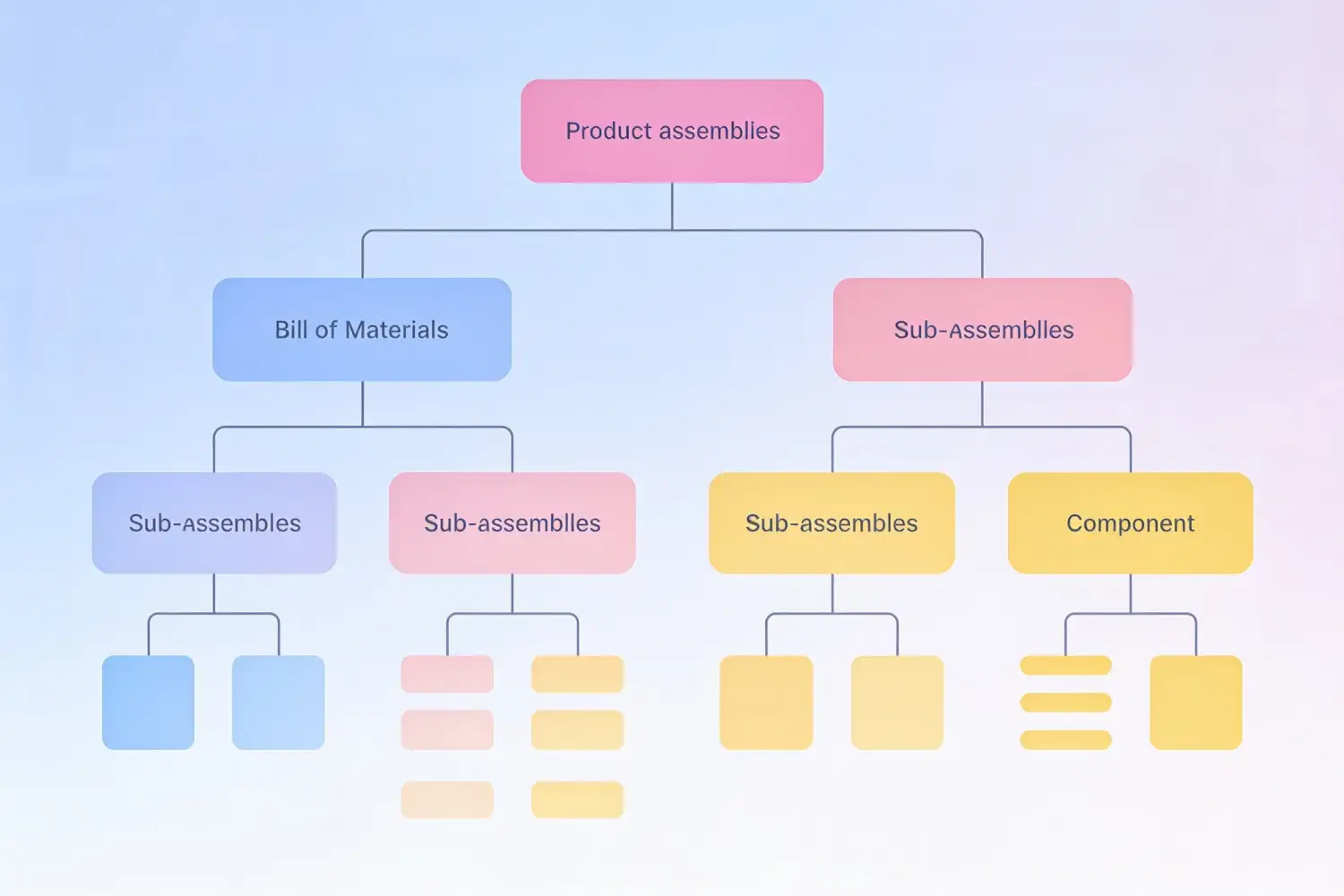
Infor CPQ supports multi-level BOMs for products with assemblies, sub-assemblies, and component hierarchies, giving your production and materials teams the full structure they need from a single configured quote.

Routing and Work Center Assignment
Manufacturing steps, operation sequences, and work center assignments are defined as part of the configuration rules, so routing instructions are generated alongside the BOM automatically.
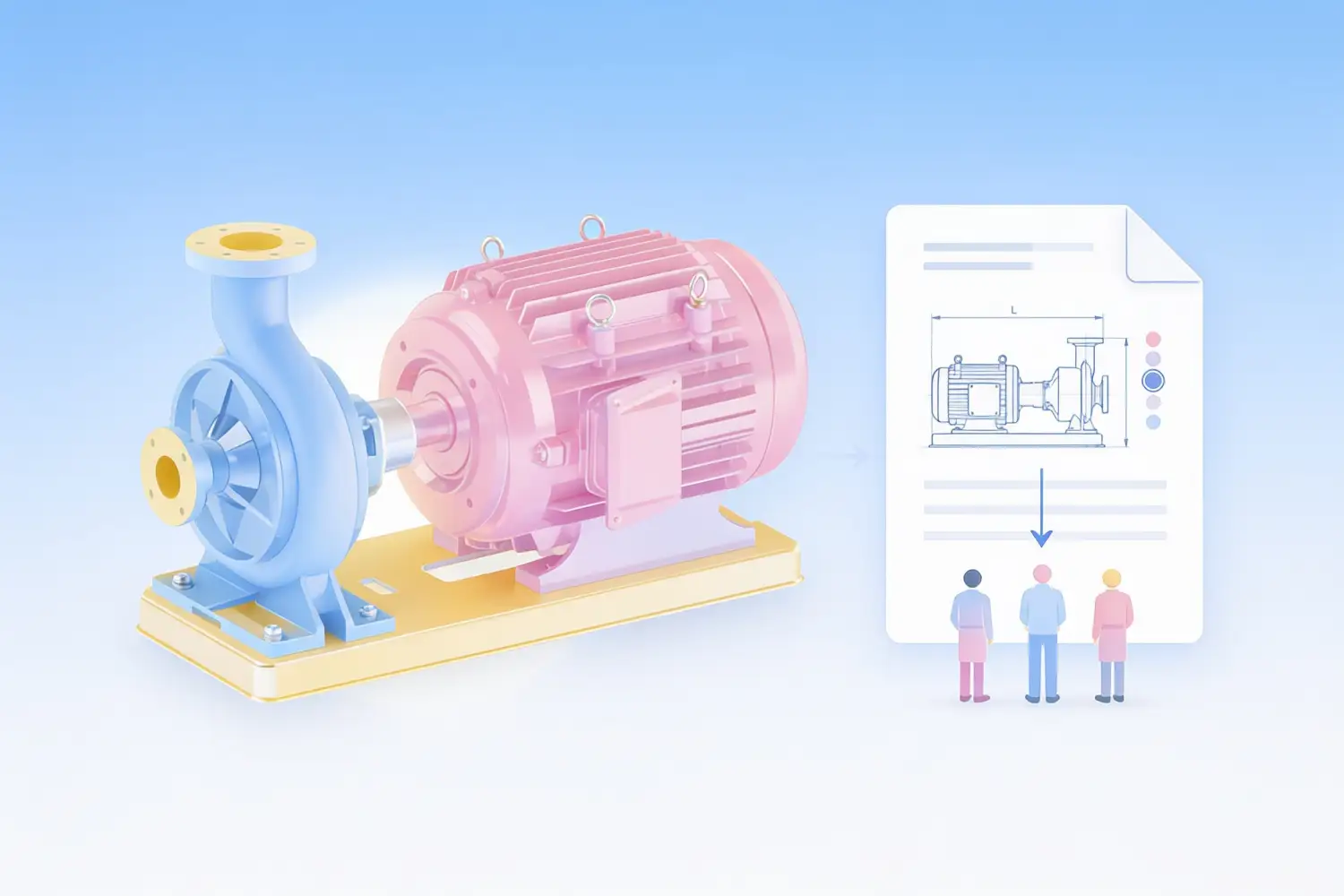
ERP Integration for Production Orders
CAD files generated directly from the configured product give downstream engineering and manufacturing teams the data they need to move from quote to production without re-entering specifications.
Engineer-to-Order Support
For products that fall outside standard configuration rules, Infor CPQ supports engineer-to-order workflows that route the exception to engineering while keeping standard configurations fully automated.

Quote-to-Production Accuracy
Because the same rules that govern what can be quoted also govern what the BOM produces, the configured product and the manufactured product stay aligned. Fewer surprises on the shop floor.
Deep Manufacturing Expertise. In-House.
BOM and routing configuration is one of the most technically demanding parts of a CPQ implementation. It requires people who understand both how CPQ rules work and how manufacturing operations run. RenaissanceTech has 30+ in-house CPQ specialists and 200+ go-lives, including manufacturers with complex, highly configurable products across industrial machinery, specialty vehicles, building products, and more. Every implementation is done by our own team, not subcontractors.
Frequently Asked Questions
Common questions about BOM and routing configuration in Infor CPQ.
Can Infor CPQ actually generate a BOM automatically from a product configuration?
Yes. When Infor CPQ is set up correctly, the product configuration rules that govern what a sales rep or customer can select also define the corresponding BOM components and routing steps. As options are selected during configuration, the system builds the BOM in the background. When the order is accepted, that BOM flows into your ERP ready for production. The accuracy of the output depends on how thoroughly the rules are built during implementation, which is where RenaissanceTech's manufacturing expertise makes a significant difference.
Which ERP systems can receive BOM and routing data from Infor CPQ?
RenaissanceTech has deep experience integrating Infor CPQ BOM and routing output with any ERP system. Examples of our integrations include: Infor SyteLine, VISUAL Manufacturing, M3, LN, CSD, Microsoft Dynamics, Oracle and Sage. Contact us for a free consultation on your project.
Does every product configuration need to map to a BOM, or only some?
It depends on your product line and how you want to use CPQ. Many manufacturers configure BOM generation for their standard product families while routing true engineer-to-order products through a separate engineering workflow. Infor CPQ supports both approaches, and RenaissanceTech helps you define the right boundary between what gets automated and what still requires engineering input.
How does multi-level BOM work in Infor CPQ?
Infor CPQ supports multi-level BOM structures where a configured product contains assemblies that themselves contain sub-assemblies and individual components. The rules engine handles the hierarchy, so the full BOM, from top-level assembly down to individual parts, is generated from a single configuration. This is particularly important for complex manufactured products where the BOM structure drives material requirements and production scheduling.
What does RenaissanceTech's role look like in adding manufacturing rules toCPQ?
RenaissanceTech's in-house team works directly with your engineering and operations teams to map your product structures, define the configuration rules, and build the BOM and routing logic into Infor CPQ. We also handle the ERP integration so data flows where it needs to go. Additionally, we offer custom scoping and training for your engineering team to complete the work themselves.
Ready to Connect Your Quotes to Your Shop Floor?
Talk to a RenaissanceTech specialist about your product configuration and production workflow. We will show you how Infor CPQ can automate BOM and routing generation and get that data flowing directly into your ERP.